Compatible with Chrome and Edge
Instruction Guide
We have a simple tutorial guide which explains the features of the software extension and what each button inside the extension does. Read our tutorial and welcome guide on how to use the extension to the fullest. Use all the features of this browser software.
If you are interested in other web extensions to install, you might wish to check out the Microsoft Bing Search with Rewards extension.
Microsoft Bing Search with Rewards Extension
It allows you to complete daily offers to get points.
Track the number of points you have currently and the rewards you can redeem with these points.
The ways to get points & get rewarded is search with Bing, browse with Microsoft Edge and shop at the Microsoft and Windows stores to earn rewards.
Sponsored Link:
Other useful extensions
Another extension which would be useful to install is the iCloud bookmarks extension.
It allows to keep your Chrome bookmarks on Windows synced up with the Safari bookmarks on your iPhone, iPad, and Mac.
iCloud will store your website bookmarks so it is accessible even on your iPhone and Mac.
Try these other two extensions and see if it will boost your daily productivity.
Draw: Unleash Your Creativity
Welcome to Draw! Your Canvas Awaits.
Are you ready to express your imagination, create stunning visuals, and bring your ideas to life? Look no further than Draw, the user-friendly drawing app designed for both beginners and seasoned artists. Whether you’re a doodler, an aspiring illustrator, or simply someone who enjoys sketching, Draw provides the perfect platform to explore your creativity.
Features That Make Draw Stand Out:
1. Intuitive Interface:
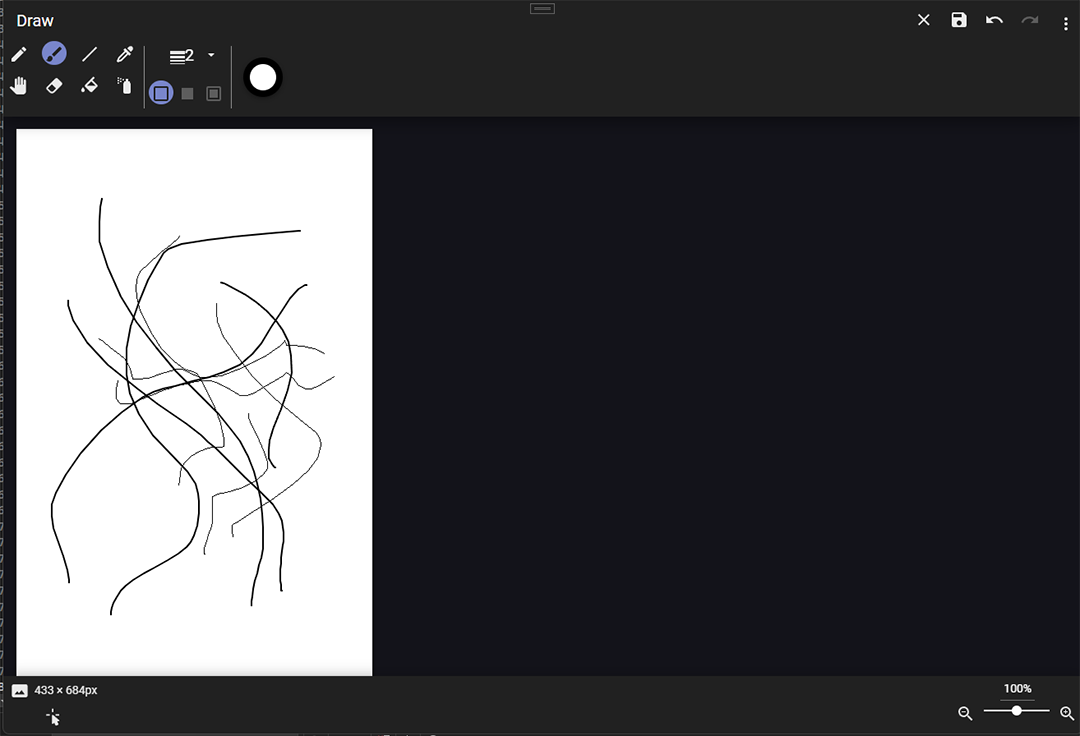
Draw’s clean and straightforward interface ensures that you can dive right into your artistic journey without any learning curve. No complicated menus or overwhelming tools—just a canvas and your imagination.
2. Versatile Brushes and Tools:
Choose from a variety of brushes, pens, and pencils to create strokes that suit your style. From fine lines to bold strokes, Draw offers the flexibility you need to craft intricate designs or playful doodles.
3. Layers and Blending Modes:
Unlock the power of layers! Organize your artwork by stacking layers, adjusting opacity, and experimenting with blending modes. Whether you’re working on a detailed illustration or a simple background, layers give you control over every element.
4. Export and Share:
Finished your masterpiece? Export it in high resolution and share it with the world. Post your artwork on social media, print it out, or collaborate with other artists—all within Draw.
5. Community and Challenges:
Join our vibrant community of artists! Participate in weekly challenges, share your progress, and get inspired by fellow creators. Whether you’re a hobbyist or a professional, Draw connects you with like-minded individuals who appreciate the beauty of art.
Why Choose Draw?
- Beginner-Friendly: If you’re new to digital art, Draw’s simplicity will ease you into the process.
- Expressive Freedom: Let your creativity flow without limitations.
- Regular Updates: We’re committed to enhancing your experience with frequent updates and new features.
- Offline Mode: Draw even when you’re offline—perfect for those moments of inspiration.
Get Started Today!
Download Draw and embark on your artistic adventure. Whether you’re sketching landscapes, designing characters, or creating abstract compositions, Draw is your canvas, waiting for your touch.
Tutorial:
- Install the Extension
- After installing the extension, click on the icon on the toolbar.
Sponsored Link: